
What is BuiltSync?
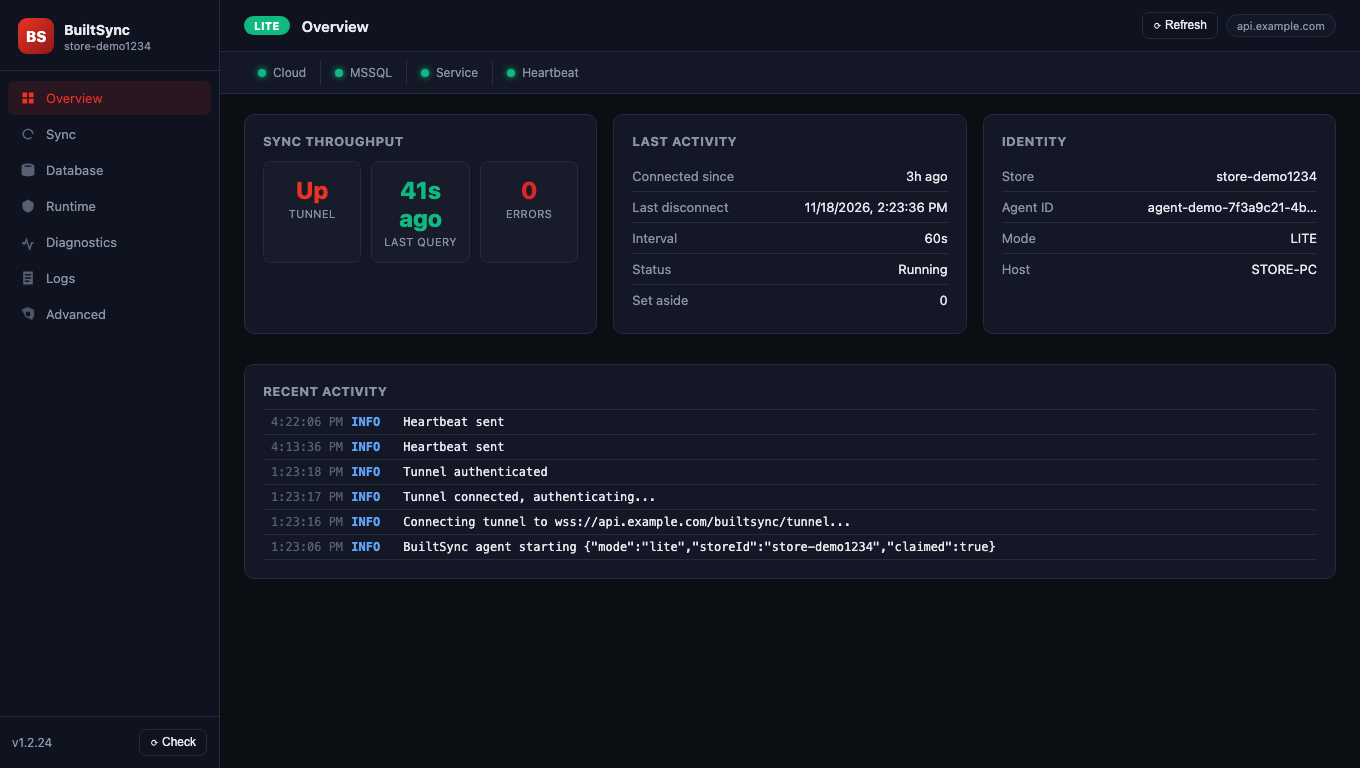
BuiltSync is a small Windows program that connects a store's existing SQL Server POS database to BuiltOFFICE in the cloud, with no static IP or port forwarding.
Some stores still run their older Windows POS on a Microsoft SQL Server database. BuiltSync lets you see that store in BuiltOFFICE — sales, reports, products — without moving off the old system first.
How it works#
- BuiltSync is installed on a Windows computer in the store — usually the one that runs SQL Server.
- It connects out to the BuiltPOS cloud over a normal secure internet connection. You don't need a static IP or to open ports on your router.
- When you open the store in BuiltOFFICE, the cloud asks BuiltSync, and BuiltSync answers from your SQL Server.
What you need#
- A Windows computer that stays on during business hours and can reach your SQL Server.
- SQL Server 2008 R2 or newer.
- A SQL login that can read the POS database (see Connect your SQL Server).
- A claim token for your store. It starts with
BSYNC-and is given to you by BuiltPOS support or your reseller when they set the store up.
What BuiltSync is not#
- It is not the BuiltPOS till. Your staff keep ringing sales on the existing POS.
- In BuiltSync Lite (the normal setup), BuiltOFFICE can view the store but can't change it. Product, price, stock and staff changes are made on the store's own POS. See Lite vs Full.
Good to know#
- BuiltSync is also used, set up automatically, on computers that run a Local BuiltPOS store server (installed with the BuiltPOS Suite). You don't need to do anything for those — this help section is about SQL Server stores.
- Next step: Install BuiltSync.
Was this helpful?
Thanks for letting us know.
Sorry it did not help. Tell us what was missing: open Help & Support in the app and choose Report a problem, or email support@builtsofthub.com.