
Change your password
Change it from your account menu in BuiltOFFICE, BuiltINVOICE, BuiltCRM, BuiltPAYROLL, BuiltCOMMERCE or BuiltLTS, or use Forgot password? from any app.
Your BuiltSOFTHUB password is shared by every app except BuiltSIGN, so changing it in one place changes it everywhere.
In BuiltOFFICE#
- Open your account menu (your name in the side menu).
- Choose Change password.
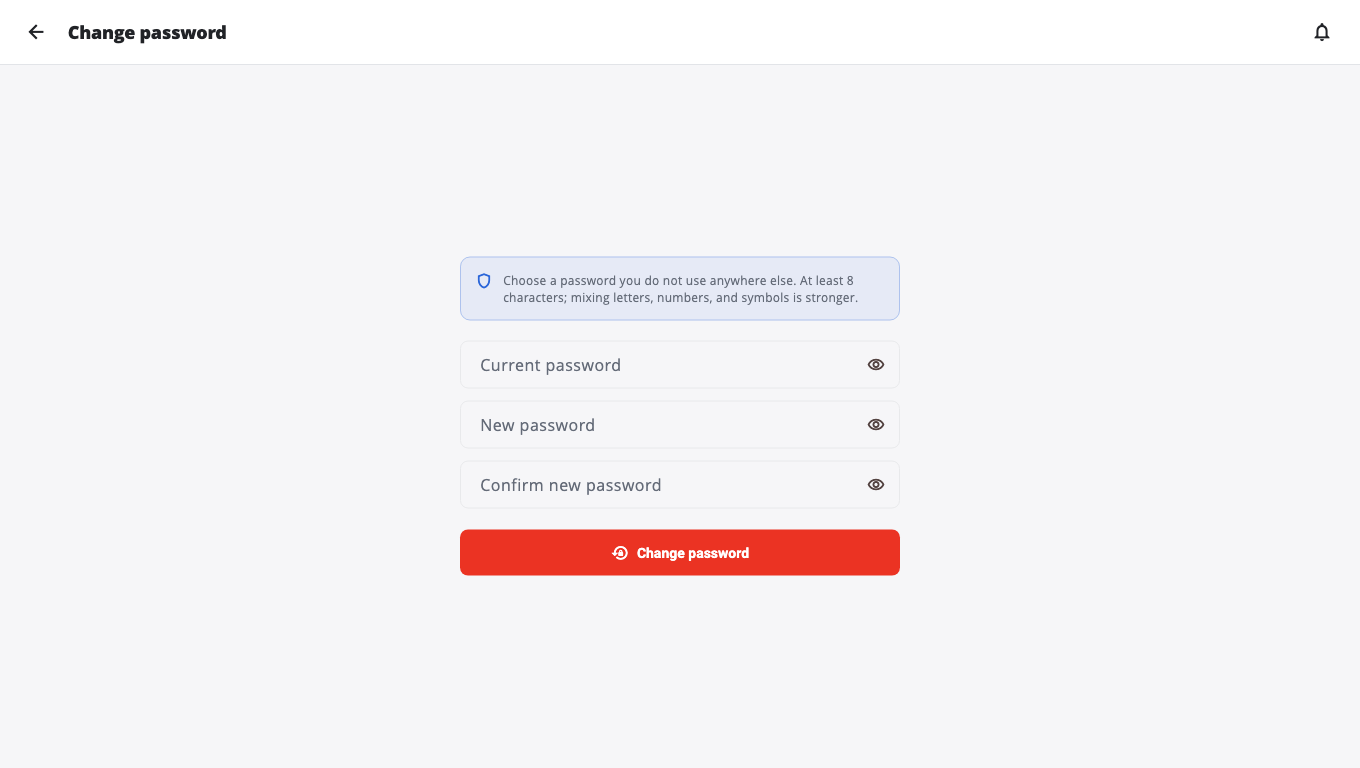
- Enter your Current password, your New password, and type it again in Confirm new password.
- Choose Change password. You see Password changed successfully.
In BuiltLTS#
Go to Settings, open Account & Security, and choose Change password.
In BuiltINVOICE, BuiltCRM, BuiltPAYROLL and BuiltCOMMERCE#
- Open your account menu (your name in the side menu).
- Choose Change password. The box reminds you: "This changes your password for every BuiltSOFTHUB app."
- Enter your Current password, your New password (at least 8 characters, and different from the current one), and type it again in Confirm new password.
- Choose Change password.
- You see Password changed — sign in with your new password. Choose Sign in again. The app signs you out; sign in again with the new password. Other apps you were signed in to will ask you to sign in again too.
If it says Current password is incorrect, check what you typed. After several wrong tries it says Too many tries. Wait a few minutes and try again.
Forgot the current password?#
Sign out and use Forgot password? on the sign-in screen. See Reset a forgotten password.
Good passwords#
- At least 8 characters. Longer is better.
- Do not reuse a password from another website.
- Never share it. Each person on your team should have their own sign-in. See Team and roles.
Was this helpful?
Thanks for letting us know.
Sorry it did not help. Tell us what was missing: open Help & Support in the app and choose Report a problem, or email support@builtsofthub.com.