
Reset a forgotten password
Use Forgot password? on any sign-in screen. The reset link works for 1 hour.
Your password is the same in every BuiltSOFTHUB app (except BuiltSIGN). Reset it once and the new password works everywhere.
- On the sign-in screen, choose Forgot password?.
- Enter your email and choose Send reset link.
- Open the email and choose the link. It works for 1 hour and only once.
- Enter your new password (at least 8 characters) and save it (Set new password in BuiltINVOICE).
- Sign in with the new password.
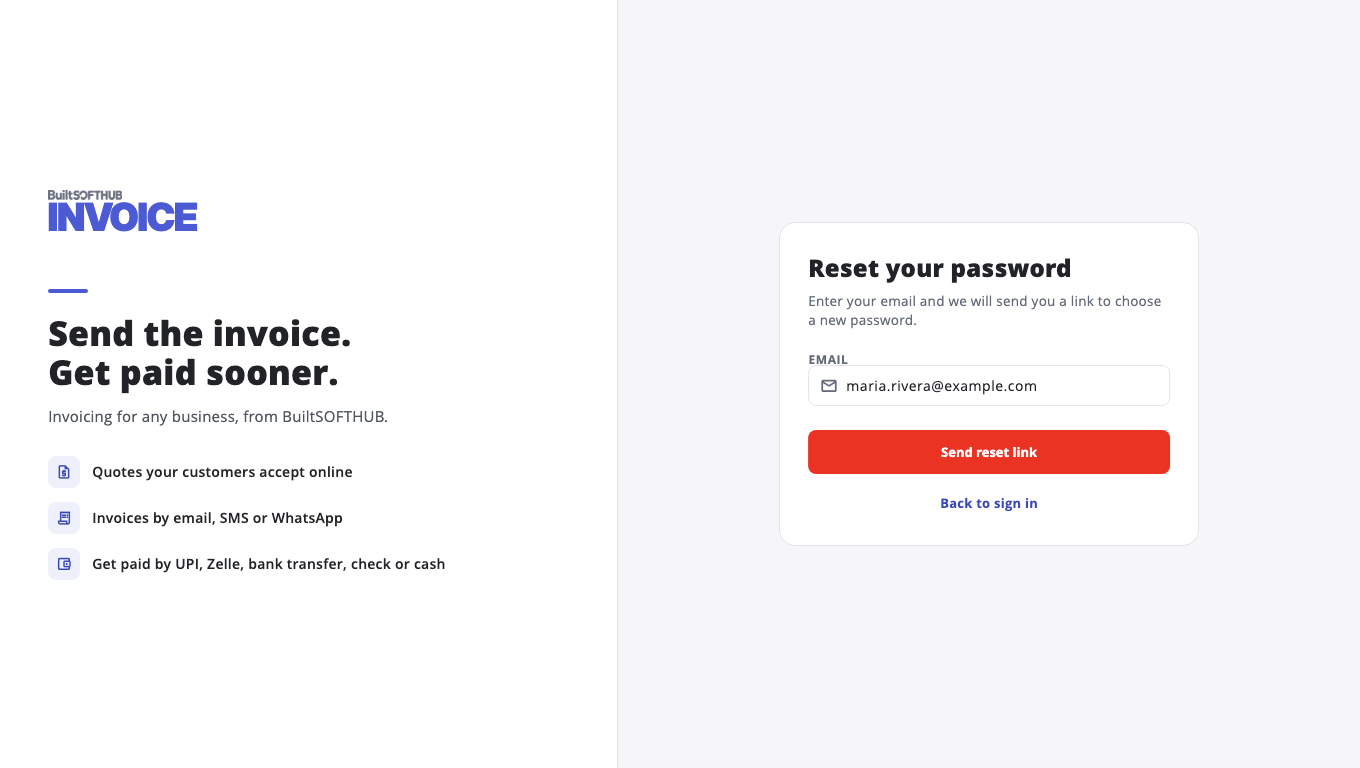
You always see the same message, whether or not the email has an account. This protects your privacy. If no email arrives, check spam, then make sure you typed the address you signed up with.
After a reset, your other devices are signed out the next time their session renews, and they ask for the new password.
Link says it has expired#
Links expire after 1 hour. Go back to sign in and use Forgot password? again to get a new one.
BuiltLTS store members#
If a BuiltLTS owner created your login, they can also reset it for you from Store Users & Access. See Add staff and roles.
BuiltSIGN#
BuiltSIGN has its own password. Use Forgot password? on sign.builtsofthub.com.
Related#
Was this helpful?
Thanks for letting us know.
Sorry it did not help. Tell us what was missing: open Help & Support in the app and choose Report a problem, or email support@builtsofthub.com.