
What BuiltCOMMERCE does
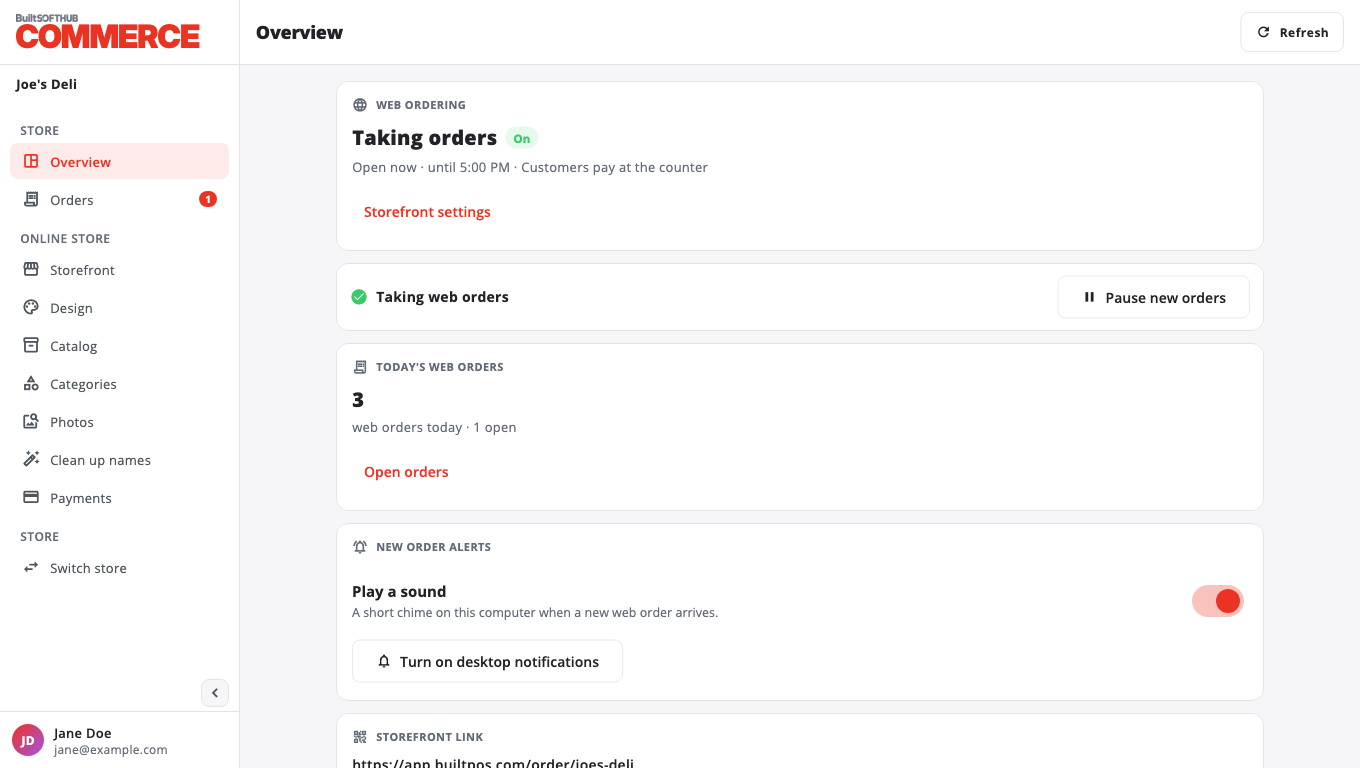
BuiltCOMMERCE puts your BuiltPOS products online so customers can order for pickup or delivery from a link or QR code.
On this page
BuiltCOMMERCE is the online store for BuiltPOS. It uses the products, prices and photos you already have on your till, so there is no second catalog to keep up to date.
With it you can:
- choose which products and categories are sold online,
- give your store page a design, opening hours and closed dates,
- share a link and a QR code with customers,
- accept, prepare and finish web orders (they also show on the POS),
- let customers pay at the counter, or by card online once card payments are switched on for your store.
What you need#
- A BuiltPOS store that runs on the BuiltSOFTHUB cloud or a BuiltPOS store server. Older stores that use a legacy database cannot take web orders.
- The Web Ordering add-on turned on for the store in BuiltOFFICE, Marketplace. See plans and pricing.
- Your BuiltSOFTHUB account: the same email and password you use for BuiltOFFICE.
Good to know#
- Online prices are your POS prices.
- Age-restricted items (21+) are never sold online.
- Products that need an option chosen (for example a size) stay in store only.
Next: Set up web ordering.
Was this helpful?
Thanks for letting us know.
Sorry it did not help. Tell us what was missing: open Help & Support in the app and choose Report a problem, or email support@builtsofthub.com.