
Sign in and choose a store
Sign in to BuiltCOMMERCE with your BuiltSOFTHUB account and pick the store you want to work on.
BuiltCOMMERCE has no separate sign-up. You use your BuiltSOFTHUB account, the same one you use for BuiltOFFICE.
- Open commerce.builtsofthub.com/app.
- Enter your Email and Password, then press Sign in.
- If you see Verify your email, open the link we emailed you, then sign in again. See Verify your email.
- On Choose a store, pick the store.
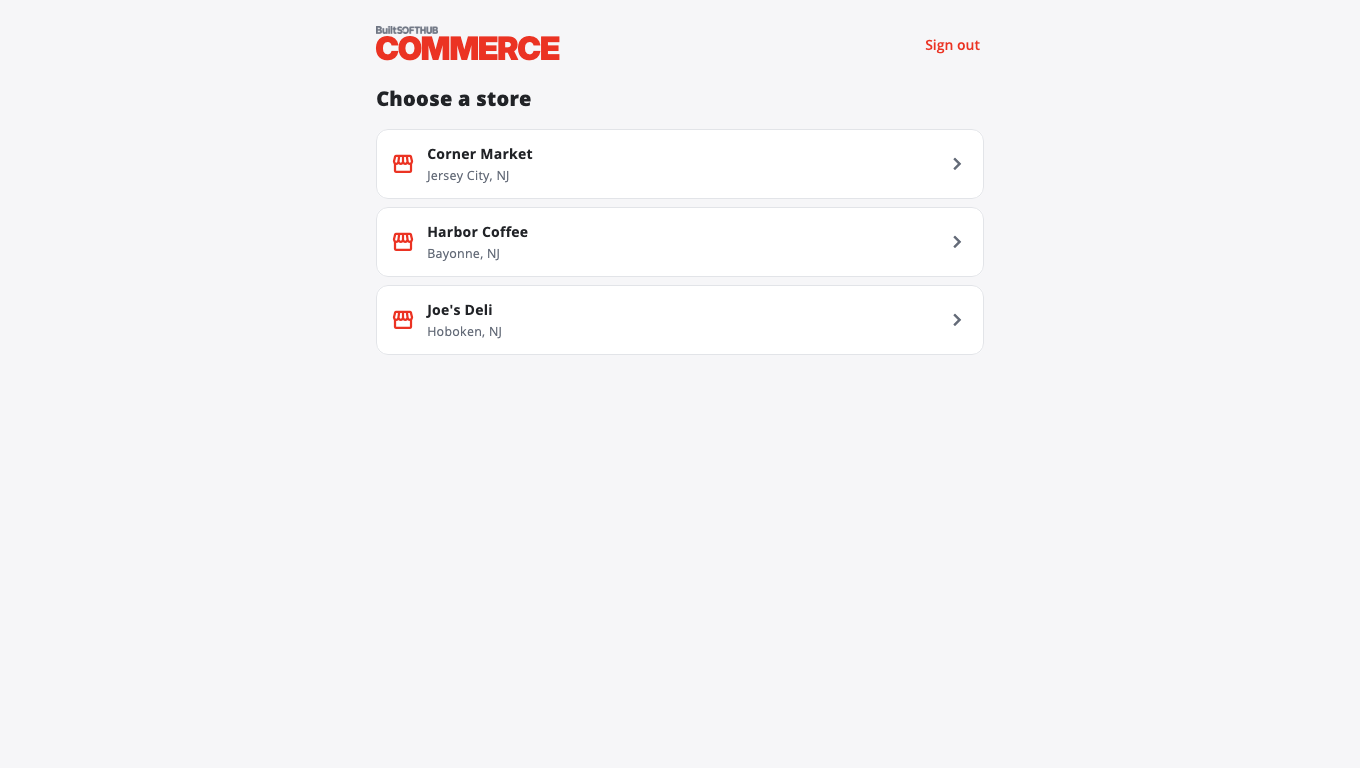
Change store later#
Use Switch store at the bottom of the menu.
Move to another BuiltSOFTHUB app#
Use Switch app at the top of the menu. You stay signed in. See Sign in once across apps.
Forgot your password?#
On the sign-in page, press Forgot password?, enter your email and press Send reset link. See Reset your password.
"No stores on this account"#
Your account has no store access yet. Ask the store owner to give your account access in BuiltOFFICE. See Team and roles.
Was this helpful?
Thanks for letting us know.
Sorry it did not help. Tell us what was missing: open Help & Support in the app and choose Report a problem, or email support@builtsofthub.com.