
Close a shift
Scan the ticket showing in every box, in any order, then end the shift.
- On the Shift screen, open the scanner and walk the wall.
- Scan the top ticket of each box — the next one that would sell. Boxes turn green as you go, in any order, and the counter shows how many are left.
- For a box that sold out, tap it and choose Mark pack sold out.
- Can't scan a box (torn barcode)? Tap the box and type its Closing number. Hand-typed entries are marked on the settlement report.
- Tap End shift.
- Any box you did not scan is listed. For each one choose No sales or Sold out, or tap Keep scanning. Then tap Continue.
- Check Review before ending shift and continue to the drawer count.
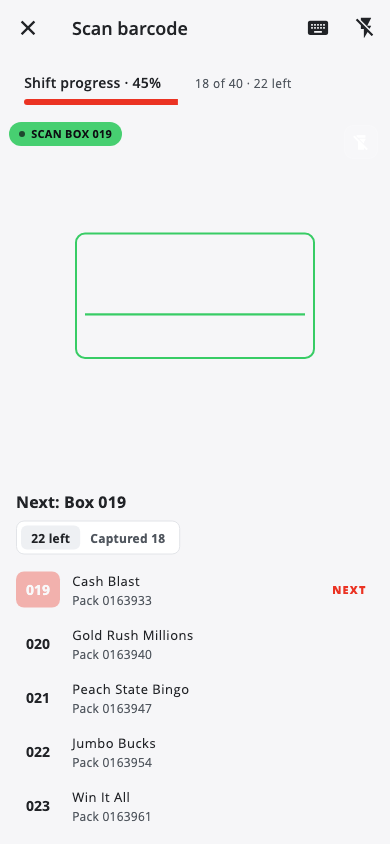
The red pill over the camera always tells you what to scan.
Made a mistake? Scan the box again — the last scan wins.
Next: Settle the drawer
Was this helpful?
Thanks for letting us know.
Sorry it did not help. Tell us what was missing: open Help & Support in the app and choose Report a problem, or email support@builtsofthub.com.