
Set the drawer float and alert limits
Set the cash that stays in the drawer and how big a short or over the app should question.
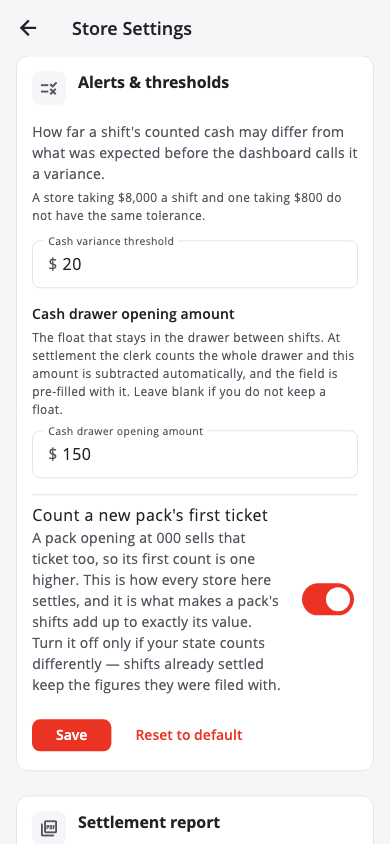
- Go to Settings › Store Settings and find Alerts & thresholds.
- Cash variance threshold — how far a shift's counted cash may differ from what was expected before the app asks you to recount.
- Cash drawer opening amount — the float that stays in the drawer between shifts. Leave blank for 0.
- Tap Save. Reset to default puts the defaults back.
Only a manager or master admin can change these.
Count a new pack's first ticket#
Count a new pack's first ticket is on by default. A pack opening at 000 sells that ticket too, so its first count is one higher. This is what makes a pack's shifts add up to exactly its value. Turn it off only if your state counts differently — shifts already settled keep their figures.
Was this helpful?
Thanks for letting us know.
Sorry it did not help. Tell us what was missing: open Help & Support in the app and choose Report a problem, or email support@builtsofthub.com.