
Create a BuiltSOFTHUB account
One account works across BuiltOFFICE, BuiltPOS, BuiltINVOICE, BuiltCRM, BuiltPAYROLL, BuiltCOMMERCE and BuiltLTS.
You need one BuiltSOFTHUB account. The same email and password sign you in to BuiltOFFICE, BuiltPOS, BuiltINVOICE, BuiltCRM, BuiltPAYROLL, BuiltCOMMERCE and BuiltLTS. BuiltSIGN is the exception: it has its own sign-in (see Create your BuiltSIGN account).
If you already have an account in any of these apps, do not create a second one. Sign in with it instead.
Where to sign up#
Pick the app you want to start with. You can add the others later.
| App | Where | Choose |
|---|---|---|
| BuiltOFFICE and BuiltPOS | app.builtsofthub.com, or the BuiltPOS till | Don't have an account? Create one free (BuiltOFFICE) or Get Started (till) |
| BuiltINVOICE | invoice.builtsofthub.com/app | New to BuiltINVOICE? Create an account |
| BuiltCRM | crm.builtsofthub.com/app | Create an account |
| BuiltPAYROLL | payroll.builtsofthub.com/app | New to BuiltPAYROLL? Create an account |
| BuiltLTS | lts.builtsofthub.com/app, or the BuiltLTS phone app | New to BuiltLTS? Create an account |
BuiltCOMMERCE has no sign-up of its own. It uses your BuiltOFFICE account and store. See Set up web ordering.
Steps#
- Open the sign-up screen for your app (see the table above).
- Enter your name, your business name, your email and a password. Passwords need at least 8 characters.
- Choose Create account.
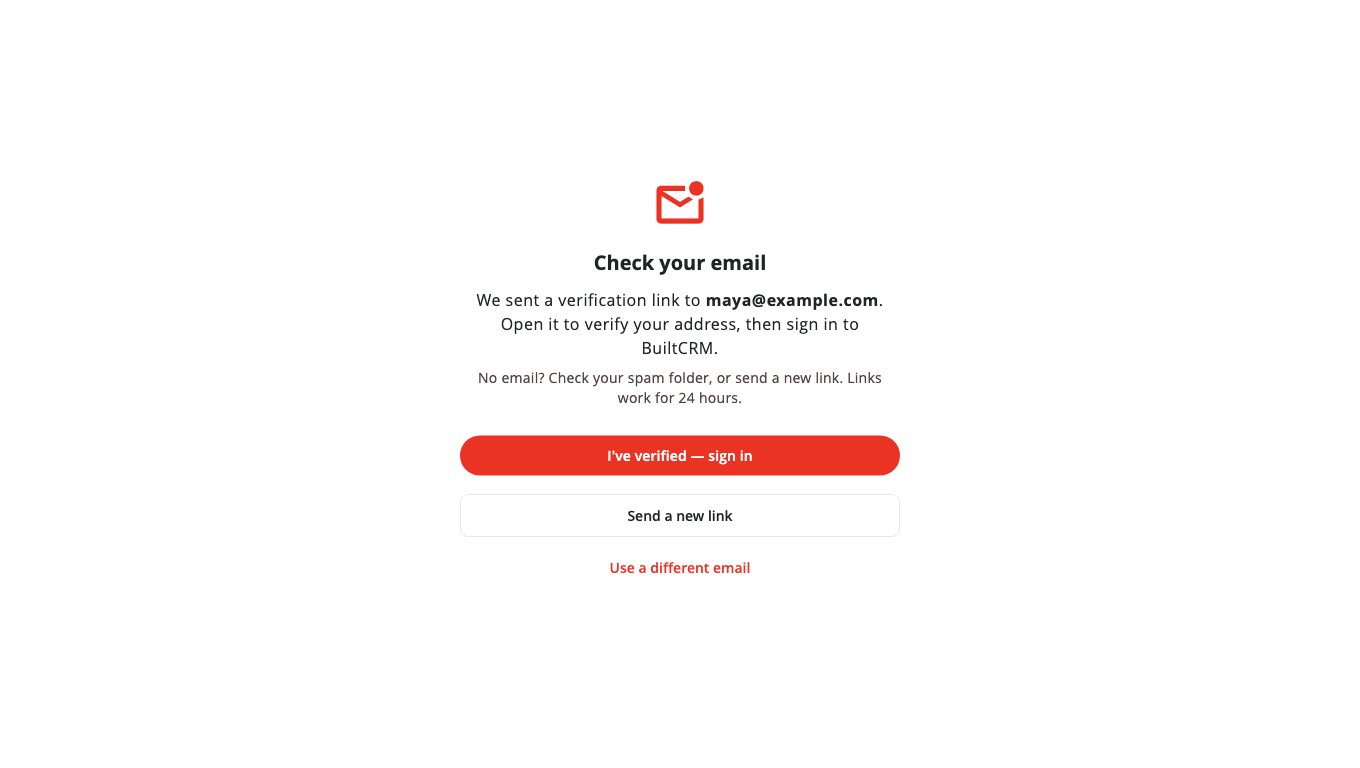
- Open the email we send you and choose the link to confirm your address. See Verify your email.
- Sign in. The app walks you through the rest of the setup.
Added by someone else?#
If an owner or manager added you (for example a BuiltLTS clerk, a BuiltINVOICE team member or a BuiltOFFICE user), you do not sign up. Use the email and password they gave you, or the invite link they sent. Then change your password.
Related#
Was this helpful?
Thanks for letting us know.
Sorry it did not help. Tell us what was missing: open Help & Support in the app and choose Report a problem, or email support@builtsofthub.com.