
Order emails your customers receive
Customers get an order confirmation and a ready email in your store's name and colours.
On this page
When a customer gives an email at checkout, they get:
- an order confirmation after the order is placed (or after it is paid online), with the items, total, pickup or delivery time and a link to the order status page,
- a ready email when you press Mark ready.
Each email is sent once per order.
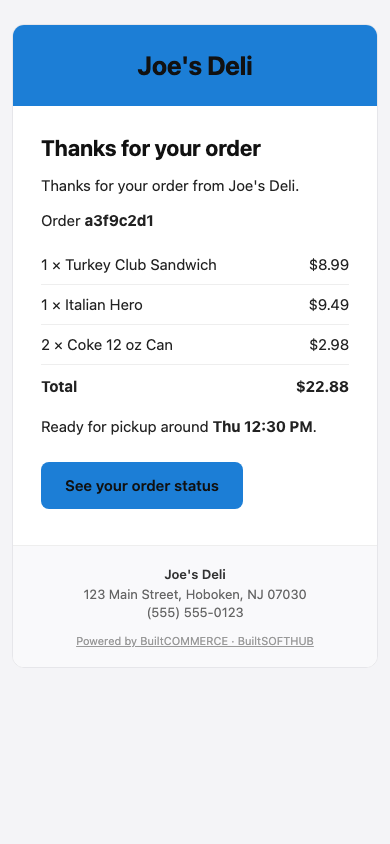
How the emails look#
- The sender name is your store's name.
- They use your Brand colour from Design and your store logo, or your store name if there is no logo.
- Your store's contact details are in the footer.
Turn the emails off#
In BuiltOFFICE, open the web ordering settings and turn off Email customers an order confirmation and a ready email. They are on by default.
Customers who opted out of emails do not get them. If you cancel an order, the customer is told by text or email whatever this setting says.
Was this helpful?
Thanks for letting us know.
Sorry it did not help. Tell us what was missing: open Help & Support in the app and choose Report a problem, or email support@builtsofthub.com.