
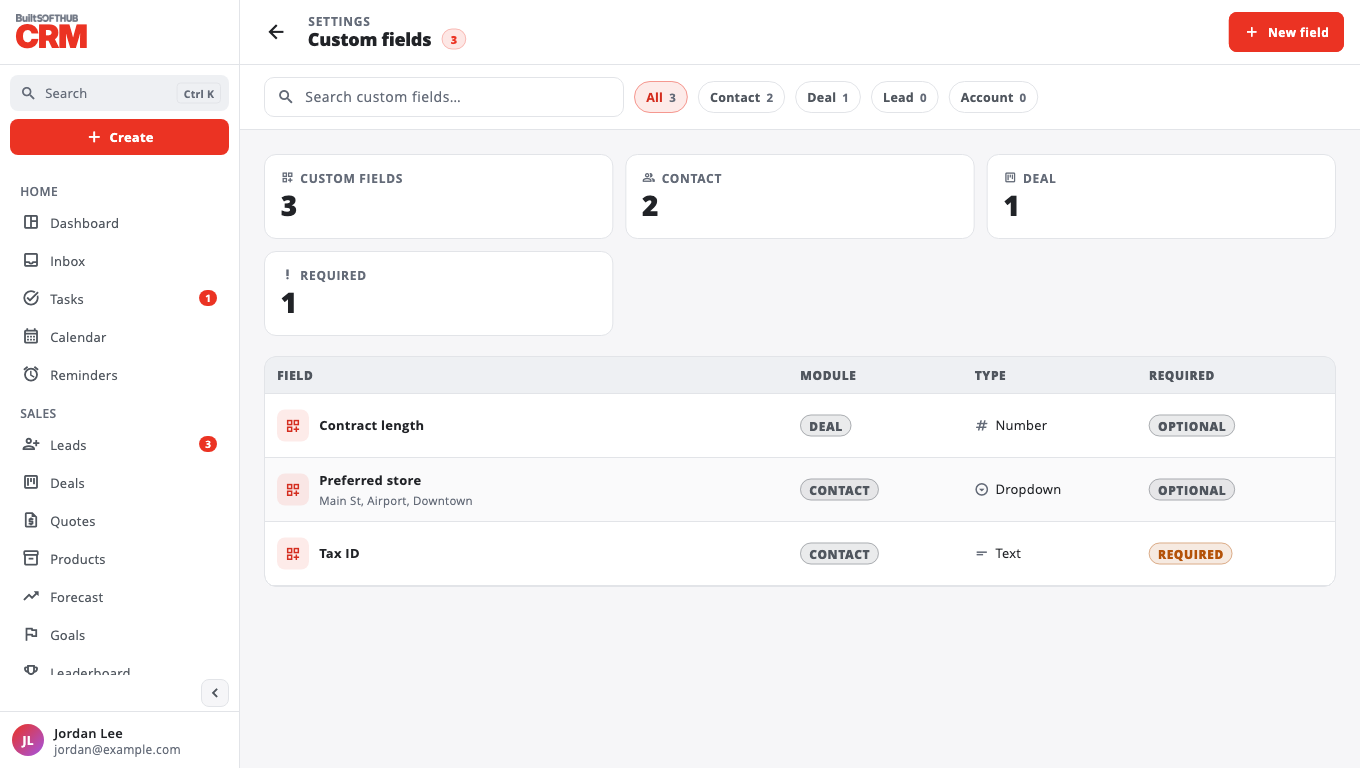
Add your own fields
Add fields like "Tax ID" or "Preferred store" to contacts and deals, and ask for them on web forms.
- Go to Settings → Custom fields → New field.
- Enter the Field label, pick the Module (Contact, Deal, Lead or Account) and the Type — Text, Number, Currency, Date, Dropdown, Multi-select or Checkbox.
- For a dropdown, list the Dropdown options, separated by commas.
- Tick Required if it must be filled in.
- Select Create field.
Where they show#
- Contact and Deal fields appear on those forms and detail pages. Required fields must be filled in before saving.
- Lead and Contact fields can be put on a web form: open the form in Web forms, and under Custom fields on this form tick the ones to ask for. After changing them, copy the snippet to your website again.
- Account fields are not shown yet.
Was this helpful?
Thanks for letting us know.
Sorry it did not help. Tell us what was missing: open Help & Support in the app and choose Report a problem, or email support@builtsofthub.com.