
Attach files to contacts, accounts and deals
Keep PDFs, photos and documents on the record they belong to.
- Open a contact, account or deal.
- In Files, select Add file and choose the file.
- To get it back, select Download.
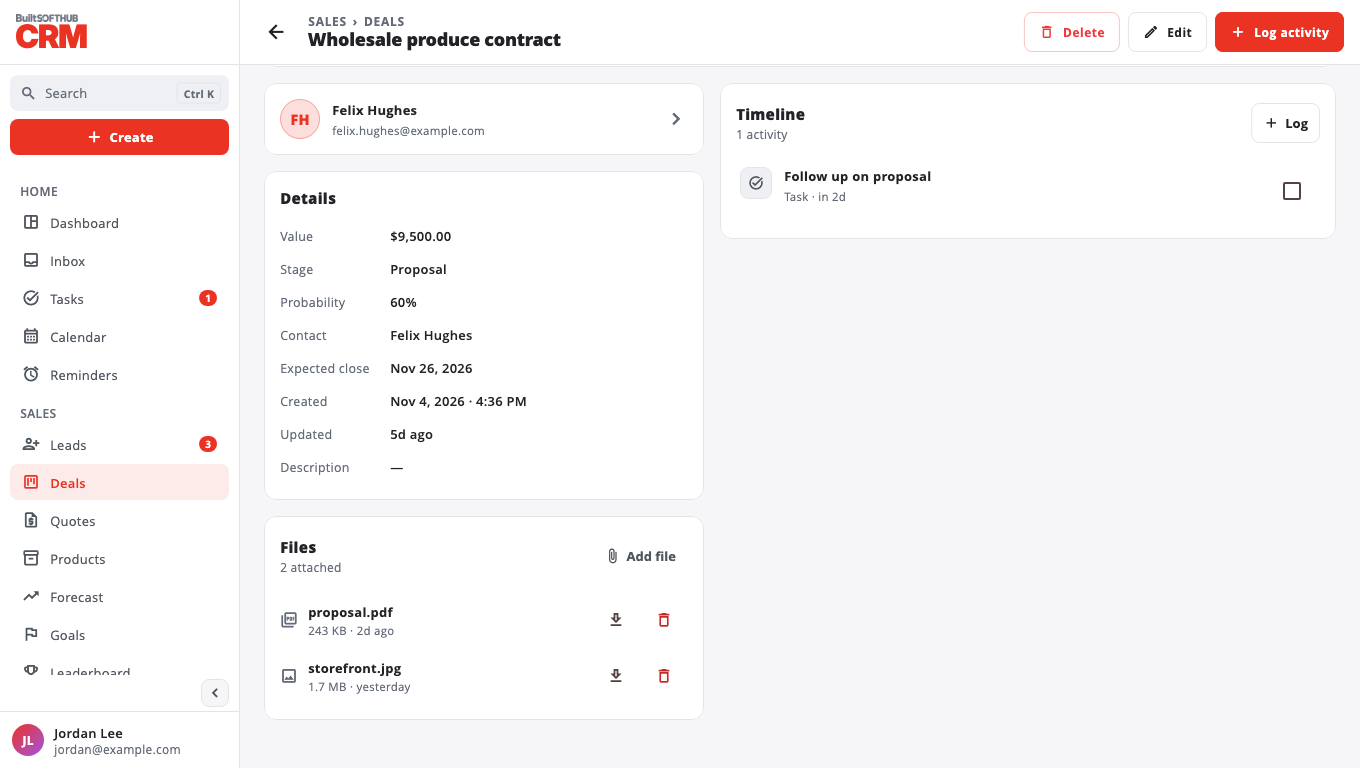
You can attach PDF, images, text, CSV and Office files, up to 10 MB each. Everyone in your business can add files and only signed-in team members can open them.
The person who added a file, or an owner or admin, can Delete it. Deleting removes it for everyone.
Was this helpful?
Thanks for letting us know.
Sorry it did not help. Tell us what was missing: open Help & Support in the app and choose Report a problem, or email support@builtsofthub.com.