
See a contact's BuiltPOS purchases
View a customer's recent in-store purchases right on their contact page.
- Open a contact that has an email or phone number.
- Scroll to POS purchases. It reads your BuiltPOS stores live and shows the last 50 purchases, matched by the contact's email or phone.
- Select Refresh to read again.
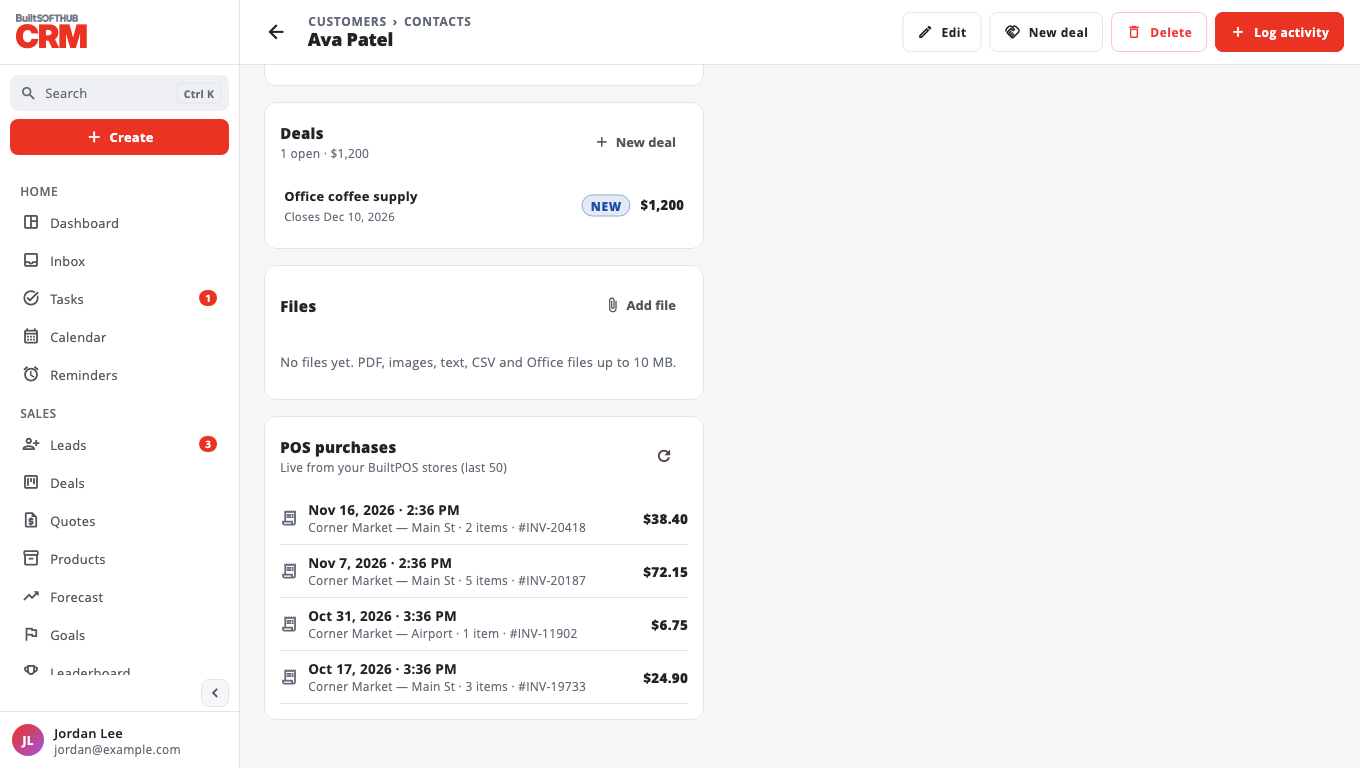
This is read only — nothing in your stores changes. You only see stores you have access to.
If you see No purchases found at your stores for this email or phone, check the phone or email matches the customer saved at the till. Older stores that run on a legacy database are listed as not supported.
Was this helpful?
Thanks for letting us know.
Sorry it did not help. Tell us what was missing: open Help & Support in the app and choose Report a problem, or email support@builtsofthub.com.