
Find and merge duplicate contacts
Combine contacts that share an email, phone or name, and clear out leads that are already contacts.
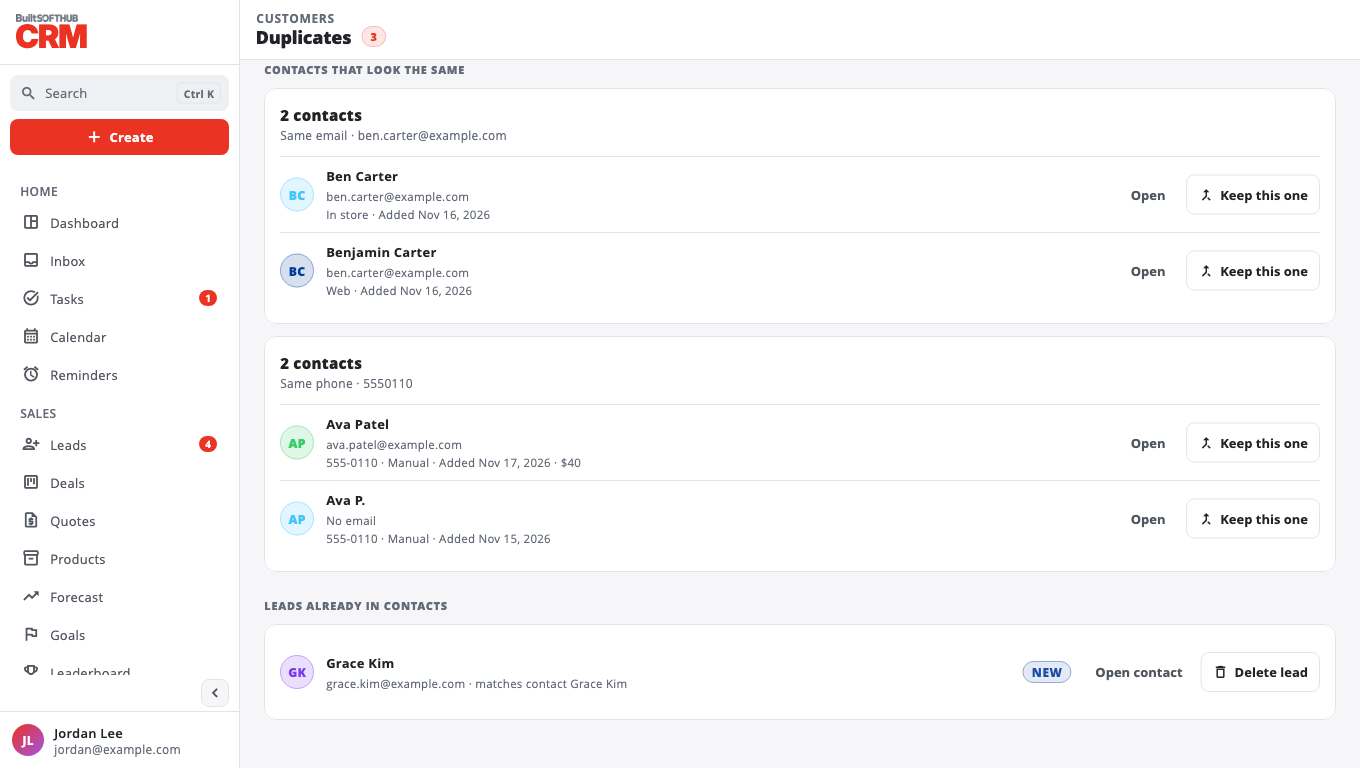
- Go to Duplicates.
- Under Contacts that look the same, each group shows why it matched — Same email, Same phone or Same name.
- On the contact you want to keep, select Keep this one, then Merge.
The kept contact takes any missing email, phone and notes from the others, and the others are removed. Deals and activities move to the kept contact.
Under Leads already in contacts, use Open contact to check, then Delete lead if the lead is no longer needed.
Was this helpful?
Thanks for letting us know.
Sorry it did not help. Tell us what was missing: open Help & Support in the app and choose Report a problem, or email support@builtsofthub.com.