
Track companies with accounts
Keep a record for each company you sell to and link its deals.
- Go to Accounts → New account.
- Enter Company name, Industry, Website, Phone, Address and Notes, then select Create account.
- When you create or edit a deal, pick the company in Account.
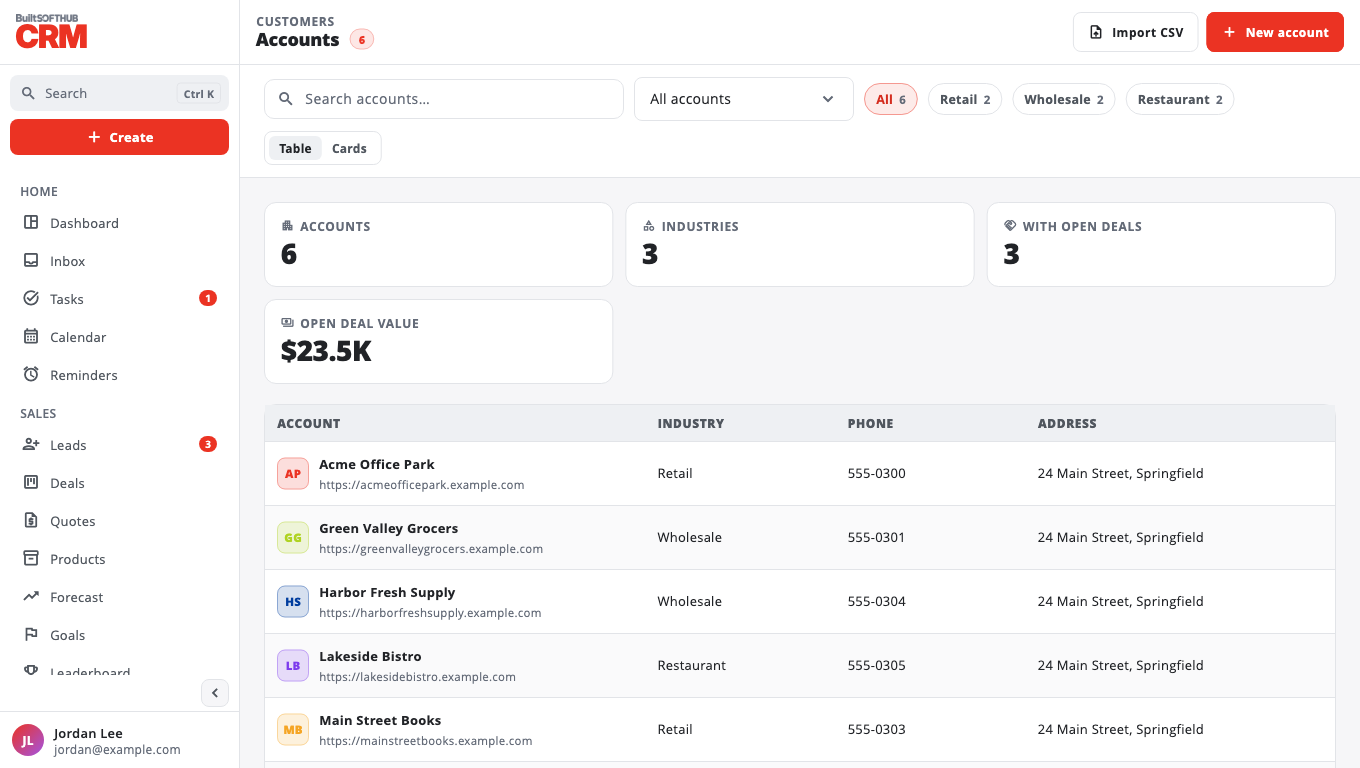
The Accounts page shows Industries, With open deals and Open deal value. Open an account to see its deals and activity.
Owners and admins can Delete an account. It is removed for everyone; linked deals stay.
Was this helpful?
Thanks for letting us know.
Sorry it did not help. Tell us what was missing: open Help & Support in the app and choose Report a problem, or email support@builtsofthub.com.