
Set up your CRM in ten minutes
The first five things to do so BuiltCRM is ready for your team.
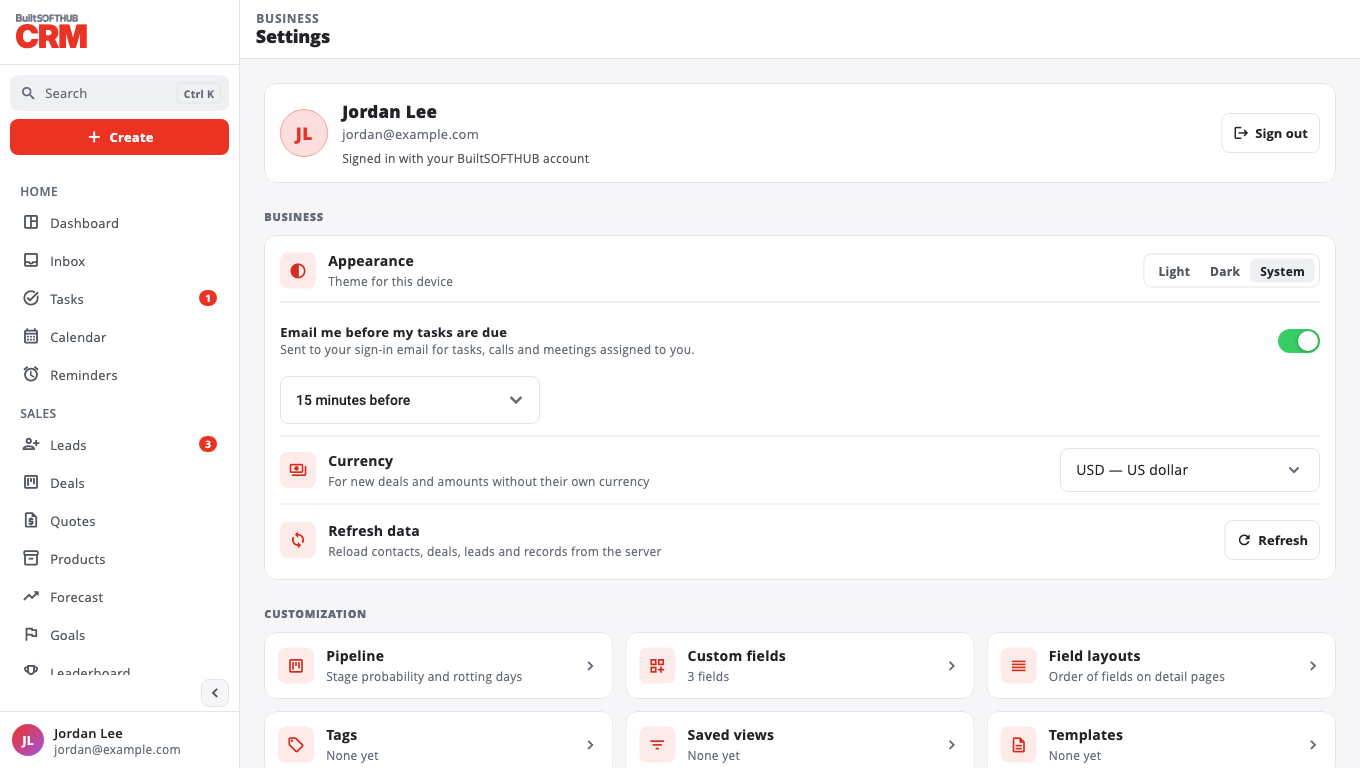
- Set your currency. Go to Settings → Business currency → Change. Only the label changes; amounts are not converted. Owners and admins can change it.
- Bring in your customers. Import a CSV or your store customers. See Import contacts.
- Check your pipeline. Go to Settings → Pipeline. Stage names are fixed (New, Qualified, Proposal, Won, Lost), but you can set each stage's Probability % and Rotting days, then Save settings.
- Add tags you will filter by. Go to Settings → Tags (for example VIP, Wholesale).
- Create your first deal. See Work your deal pipeline.
Want a website form that sends you leads? See Collect leads with web forms.
Was this helpful?
Thanks for letting us know.
Sorry it did not help. Tell us what was missing: open Help & Support in the app and choose Report a problem, or email support@builtsofthub.com.