
Track a quote
Record a priced proposal for a customer and follow it from draft to accepted.
- Go to Quotes → New quote.
- Fill in Title, Quote #, Customer, Amount, Status, Valid until and Terms / notes.
- Select Create quote.
- As things move, edit the quote and change Status: Draft, Sent, Viewed, Accepted, Declined or Expired.
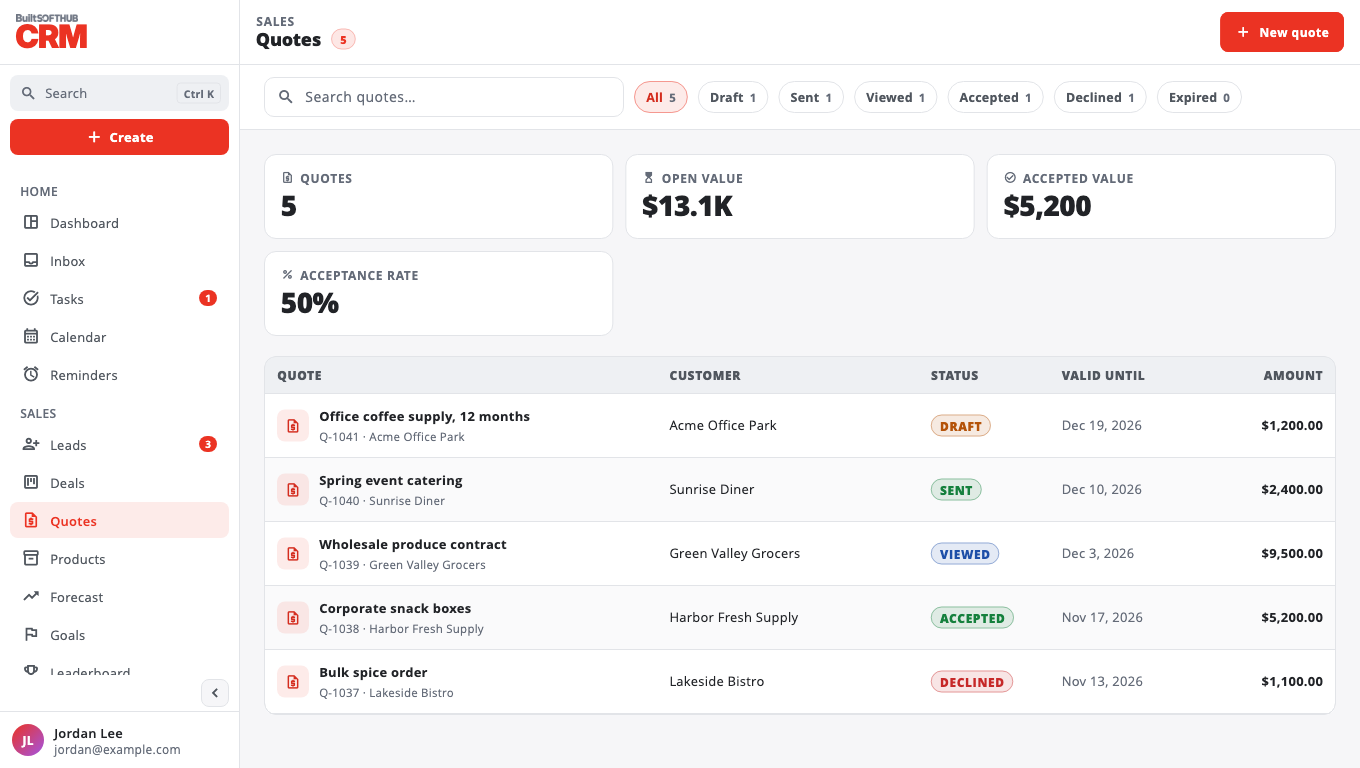
The top of the page shows Open value, Accepted value and Acceptance rate.
BuiltCRM quotes are a record for your team; BuiltCRM does not email the quote to the customer. To send a priced quote or invoice the customer can open and pay, use BuiltINVOICE.
Was this helpful?
Thanks for letting us know.
Sorry it did not help. Tell us what was missing: open Help & Support in the app and choose Report a problem, or email support@builtsofthub.com.