
See your reports
Sales by month, customer and item, tax by rate, money owed and profit & loss.
- Open Reports.
- Pick a Report:
- Sales by month, Sales by customer, Sales by item
- Tax by rate — tax collected for each rate, after credit notes
- Money owed (A/R aging) — open invoices today, by how late they are
- Profit & loss — money received, less tax and expenses
- Choose a date range: This month, Last month, This quarter, This year, Last year, or your own From and To.
- Choose Download CSV to keep a copy.
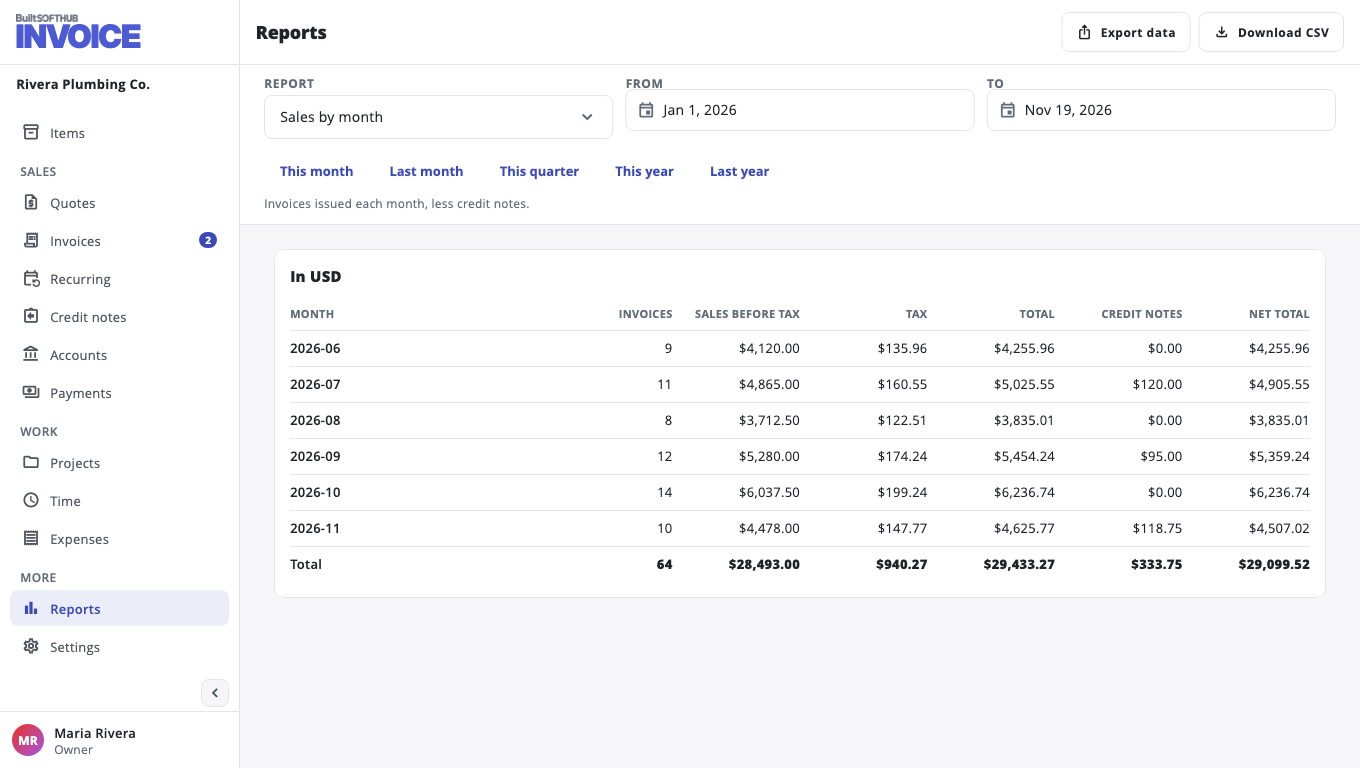
Amounts in other currencies are shown separately. Export data opens Export your records.
Was this helpful?
Thanks for letting us know.
Sorry it did not help. Tell us what was missing: open Help & Support in the app and choose Report a problem, or email support@builtsofthub.com.