
Upgrade to Pro, change or cancel
See your monthly usage, upgrade to Pro, switch billing, update your card or cancel.
On this page
Go to Settings, Plan & usage. You see Invoices and quotes this month and the date it Resets on.
Upgrade#
- Choose Upgrade monthly or Upgrade yearly (yearly works out to two months free).
- Pay on the Stripe page that opens.
- Pro starts as soon as Stripe confirms it, usually within a minute.
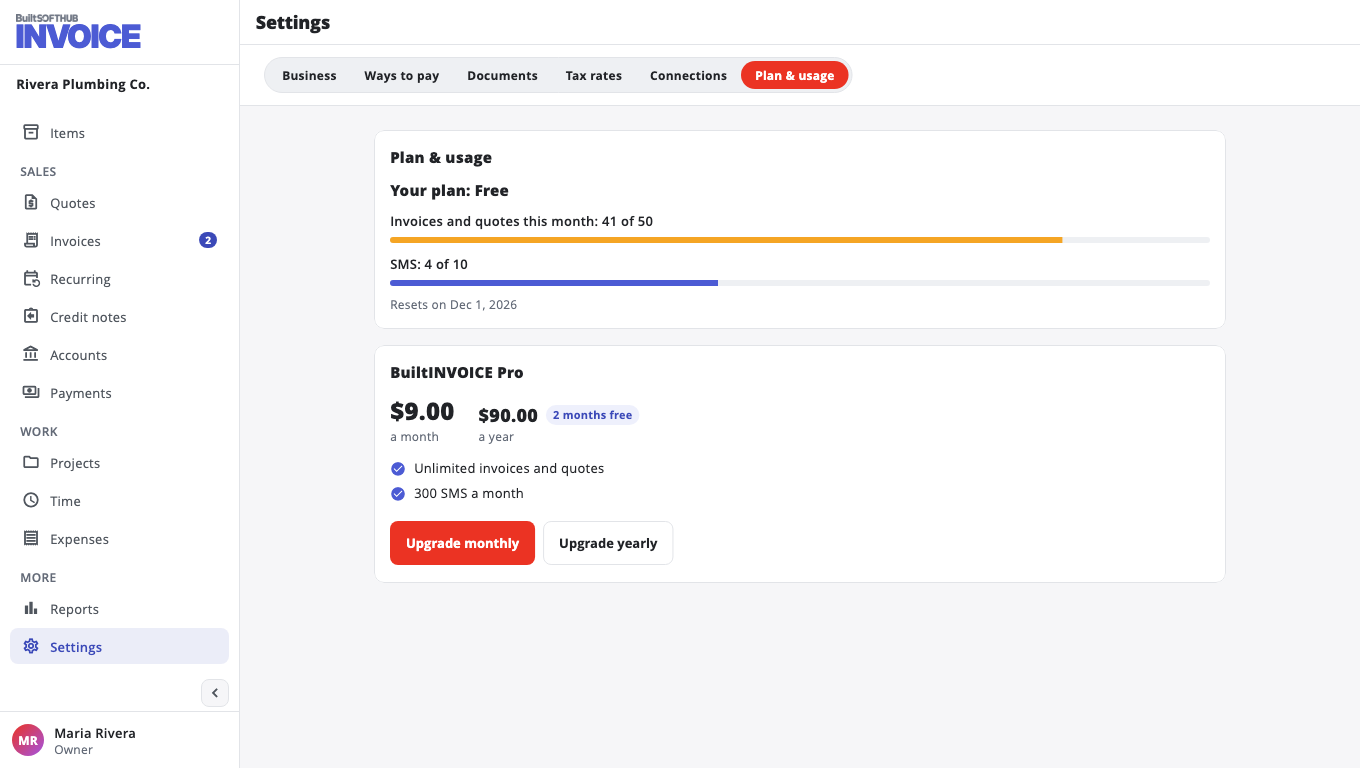
Prices are on the BuiltINVOICE pricing page. The price is shown in your currency (US dollars, or rupees for businesses in India).
Manage Pro#
- Switch to yearly or Switch to monthly — Stripe adjusts the price for the time left.
- Card and receipts — update your card and download receipts.
- Cancel Pro — Pro stays on until the end of the period you paid for, then the business goes back to Free. You can choose Resume Pro before then.
Only the owner or an admin can change the plan. More: Plans and billing.
Was this helpful?
Thanks for letting us know.
Sorry it did not help. Tell us what was missing: open Help & Support in the app and choose Report a problem, or email support@builtsofthub.com.